How to Move Catalog Ads from Confect to Feedr (Without Losing a Week)

By Frederik Binow, Growth & Partner ·
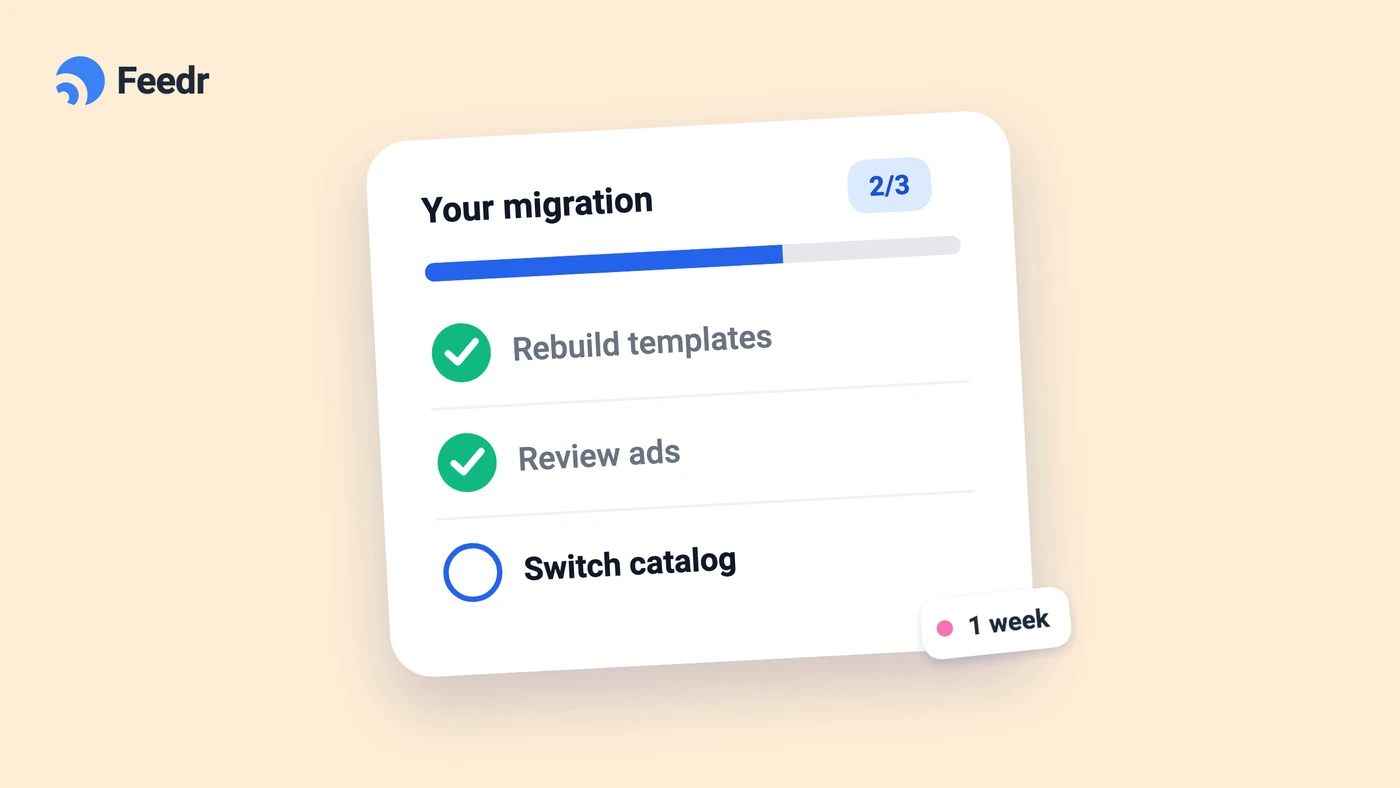
Over the years we've talked to a lot of agencies that use both Confect and Feedr. The pattern is almost always the same: new clients start on Feedr, and the old ones stay on Confect. Moving a client means rebuilding designs, checking the catalog and hoping nothing breaks mid campaign, so it keeps getting pushed to next month.
This guide shows what a move looks like in practice. Short version: we do the work, you approve the result and flip the switch.
What actually takes time in a move
When agencies tell us why a client hasn't moved yet, it's rarely the new tool itself. It's the work around it:
- Rebuilding every design. Each client has its own templates, formats and brand rules, and redoing them by hand takes hours.
- Not breaking what runs. Nobody wants to touch a catalog that powers live retargeting and Advantage+ campaigns.
- Paying for two tools. Running both while you test feels like money thrown away.
Each of these has a simple answer, and most of them aren't yours to solve.
Step 1: We map the Confect setup
The move starts with a short call where you show us the Confect account, or you give us access and we look around ourselves. From there, we map everything that matters: the templates in use, the formats (1:1, 4:5 and 9:16), which catalog and product sets each design feeds, and anything special, like different designs per market or campaign.
For an agency, tell us how many clients you want to move, and we plan them as one migration instead of one client at a time.
Step 2: We connect the store and rebuild the templates
Next, we connect the client's store to Feedr and rebuild the Confect designs as Feedr templates, so the ads keep the same look. This is free, and most setups are done within a week.
Confect keeps running in the meantime, and your ads keep serving exactly as before, because nothing in the catalog has changed yet.
Read more about the free Confect migration →
Step 3: We check the designs and the technical setup
Before anything goes live, we test the new templates against the Confect versions on the products that tend to cause trouble: long titles, sale prices, products with many variants and anything with a transparent or odd shaped image.
We also check the technical setup, so nothing breaks when the catalog switches:
- The product IDs match. The Feedr feed uses the same ID format as the source your catalog uses today. If it didn't, Meta would see every product as new and tracking would break.
- Feedr's images win. If the catalog keeps a Shopify or WooCommerce app as its main source, we add Feedr as a supplementary feed and make sure Meta gives Feedr's values priority for the image fields, so the ads show the new designs instead of the original photos.
When everything checks out, we send you the finished designs to approve. That's the only thing we need from you before the switch.
Curious how the catalog connection works? Our guide to connecting your feed to a Meta catalog → covers it.
Step 4: Switch the catalog, then cancel Confect
Once you've approved the designs, you replace Confect with Feedr as the source of the designed images in the catalog. Your campaigns and ads stay untouched. They don't need to be rebuilt and they don't go back into the learning phase, because Meta still reads the same products from the same catalog. Only the images come from a new place.
When Feedr is live in the catalog, you cancel Confect. You never pay for both: your Feedr free trial covers the weeks before you cancel, and Feedr billing starts after.
Moving several clients at once
For agencies, the move is a good moment to put clients in one place. In the Feedr agency workspace you can create client accounts or invite the owners of existing ones, and give your team access to all of them from one login.
A good order is to start with one small client to see the process end to end, then move the clients with the most catalog ad spend. That's where the saving is biggest.
When it makes sense to stay on Confect
If video catalog ads are the core of a client's Meta strategy, Confect is the better fit today. Feedr doesn't do dynamic video ads yet. For static catalog ads and the feeds behind them, Feedr covers the same ground at a fraction of the price.
Getting started
If you have one client or twenty sitting on Confect, book a migration call and tell us how many. We'll agree a go live date on the first call and take it from there.
Book your free Confect migration →
Questions first? Ask us in the live chat on the site.