Google Shopping feed for Merchant Center
Publish your products to Google Shopping through an optimized feed and grow your reach.
14-day trial · No credit card
Be there the moment someone searches for what you sell
Google Shopping places your products, prices and images straight into search results, the Shopping tab and Google Images. The feed is the campaign here. Your titles, attributes and prices decide which searches you appear for and what each click costs.
Shoppers arrive with intent already formed. They are looking for a product type, a brand or a specific model number, which is why Shopping tends to convert harder than any other paid channel in the mix.
- Retailers with large or fast moving catalogs
- Anyone competing on price, stock or delivery speed
- Teams that want to meet demand rather than interrupt it
Google Shopping feed requirements
Google turns down products that are missing details or don't match your product page. These are the details every Google Shopping feed needs. In Feedr, the required ones are listed first, so you can see what is missing.
| Field | What it needs |
|---|---|
idRequired | A unique code for each product, usually your SKU. Keep it the same over time. |
titleRequired | The product name, up to 150 characters. It should match your product page. |
descriptionRequired | A description of up to 5,000 characters. No sales slogans or text in capitals. |
linkRequired | The address of the product page in your shop. |
image_linkRequired | The main product photo. No sales text, watermarks or placeholder images. |
availabilityRequired | Whether the product is in stock, out of stock, on preorder or on backorder. |
priceRequired | The price with its currency. It has to match your shop, and include VAT outside the US and Canada. |
brandConditional | The brand name. Needed for almost every new product. |
gtinConditional | The barcode number, like an EAN or UPC, when the product has one. Never make one up. |
mpnConditional | The manufacturer's part number. Needed when there is no barcode number. |
conditionConditional | Only needed for used or refurbished products. |
availability_dateConditional | When a product on preorder becomes available. |
item_group_idConditional | Ties the sizes and colors of one product together. Needed for variants in countries like the US, UK, Germany and France. |
additional_image_linkRecommended | Up to 10 extra photos, for example from other angles or in use. |
google_product_categoryRecommended | The category from Google's own list that fits the product best. |
These are the fields that matter most, not the full list. When you set up your feed, Feedr shows every field Google Shopping supports. The complete list is in the Google Merchant Center product data specification.
Set up your Google Shopping feed in 4 steps
Connect your store
Connect Shopify, WooCommerce, Magento, PrestaShop or another platform. It only takes a few minutes.
Create a Google Shopping feed
Pick Google Shopping as the channel. The details Google requires are listed first, so you can see what is missing.
Add the feed to Merchant Center
Copy the feed link from Feedr and add it in Google Merchant Center. Our guide shows you where.
Let Google pick up your products
Google fetches your products and checks them. Large catalogs can take a while the first time.
Full walkthrough in the help center: How to create a Google Product Feed
Trusted by 1000+ stores & agencies






















Customize Product Feeds
Manage and customize all your product feeds from one platform. Gain complete control and flexibility over all data in your product feeds.
Complete control over product feeds
Mutate & transform product data
Easy data enrichment
Simple and quick quality control
Output fields
Feed ready
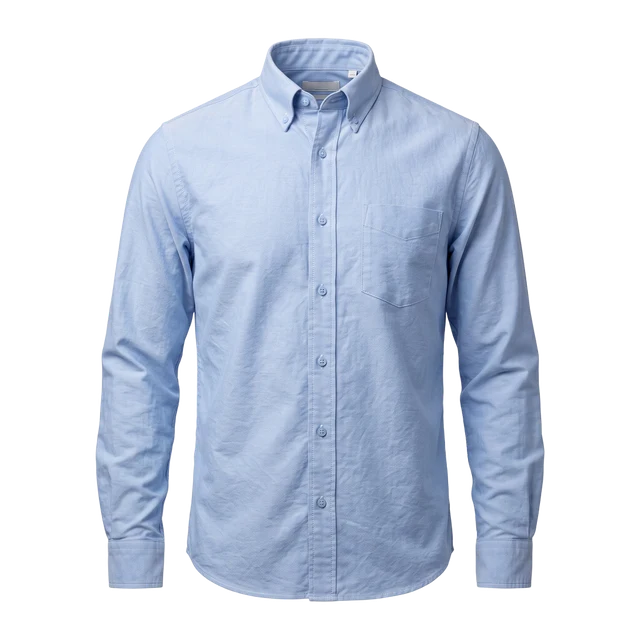
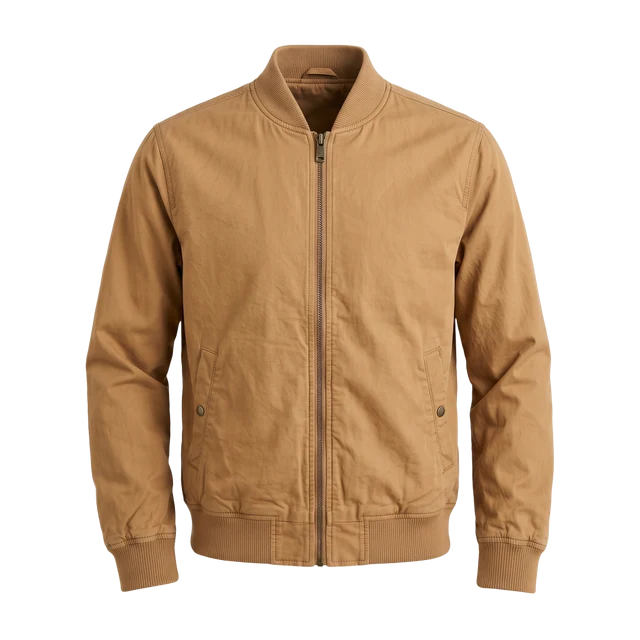
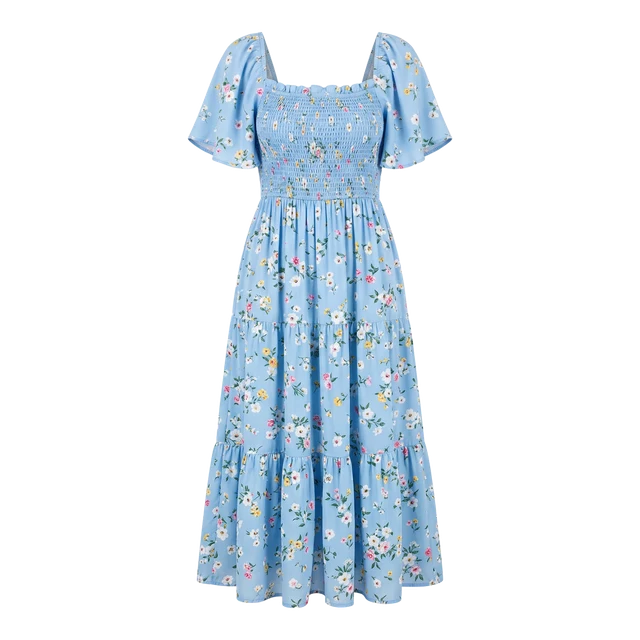
Product Filtering
Control how products are distributed across all sales channels using fine-grained filter rules.
Filters are applied on a feed basis and grant you 360° of freedom.
Unlimited filter rules
Exclusion & Inclusion based filtering
Easy overview
More Google channels
See Feedr in action
We’ll show you how Feedr handles feeds and catalog ads, whether you run a store or manage clients as an agency.
- 30 minutes on Google Meet
- A live walkthrough, with time for your questions
- For online stores and agencies
Pick a time that suits you
Choose a day in our calendar to book your call.