Magento 2 product feeds for every store view
Connect Magento 2 to Feedr, choose the store view you want to advertise, and send its products to Google, Meta and every other channel you sell on.
Choose which store view to advertise
Every size and color sent as its own product
Each variant links to the right page
Updated every day, or whenever you want
14-day trial · No credit card
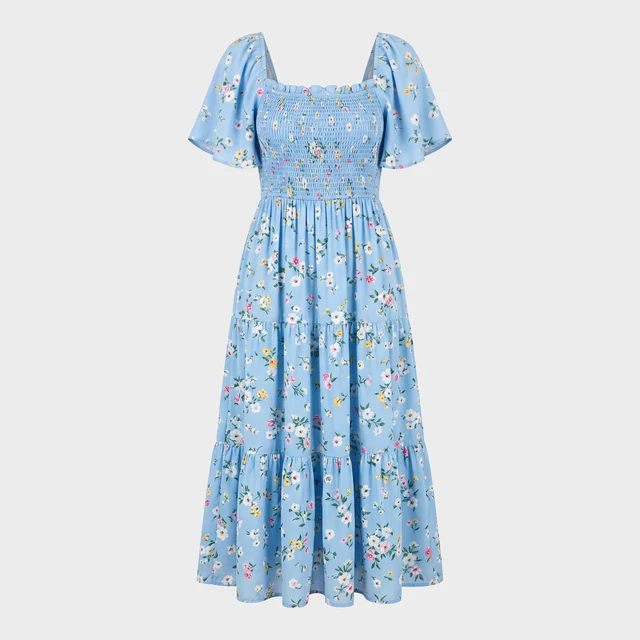
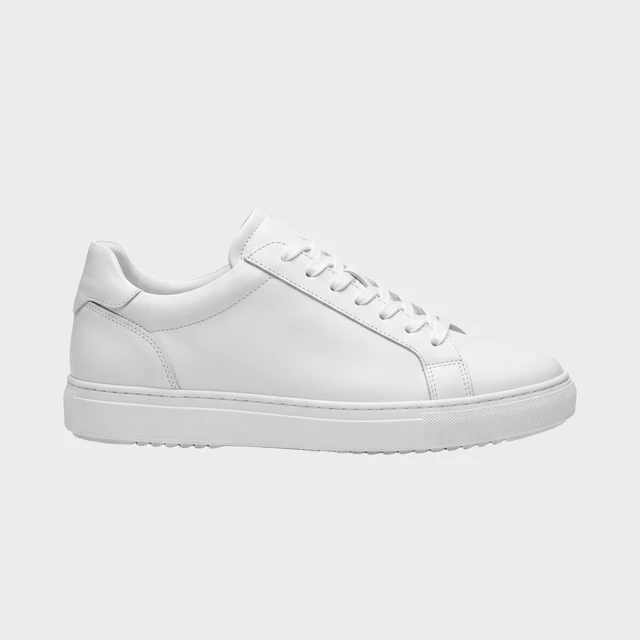
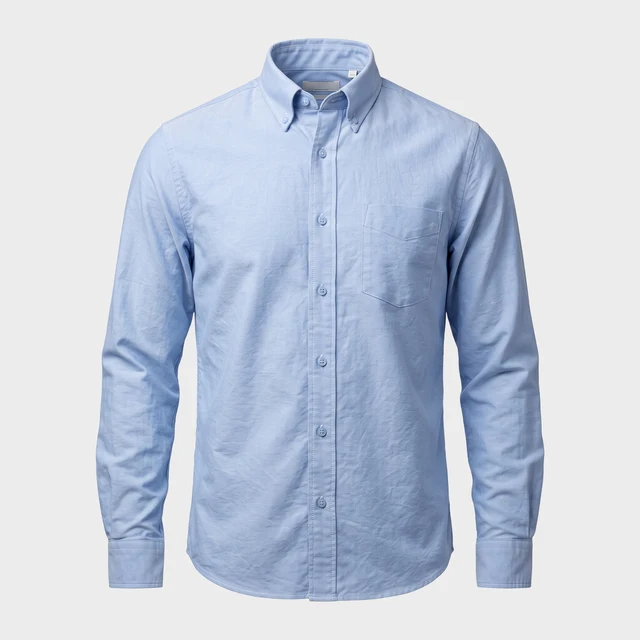

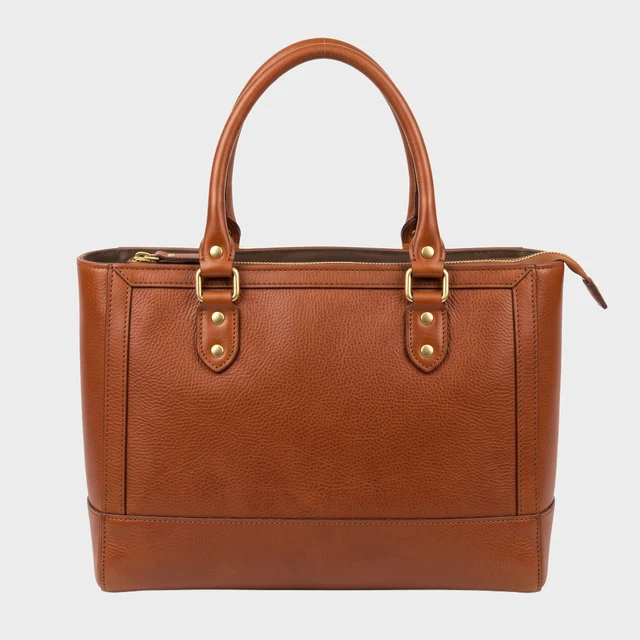
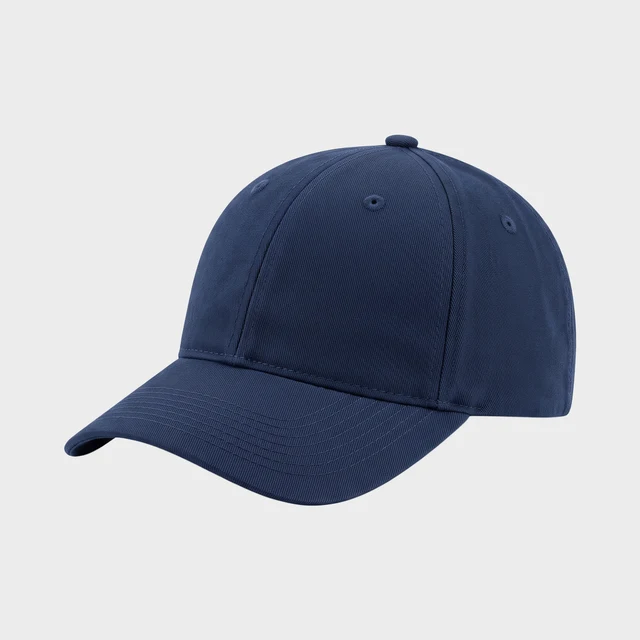
Your normal product images
Trusted by 1000+ stores & agencies























Built for how Magento shops are set up
Many Magento shops run several storefronts, for example one per country or brand. You choose which store view Feedr uses, so your feeds get the prices, texts and products of that storefront.
Each size and color is sent as its own product, and each one links to your product page with that option already selected. Shoppers land on exactly what they clicked on, which is also what Google expects.
Feedr updates your products every day. Before a campaign or a big price change, you can update them straight away with one click.
- The products of the store view you choose
- Every size and color, each with the right link
- Prices and special prices for that store view
- Stock, so sold-out products are never advertised
- Brands, categories and barcodes
- Your product images and descriptions
How to get started with Magento 2
- 1
Connect your shop
Create an access key in Magento and add it in Feedr. Our guide takes you through it.
- 2
Pick a store view
Choose the storefront you want to advertise, with its own prices and texts.
- 3
Create your feeds
Pick the channels you want to sell on, and Feedr builds a feed for each.
Where to send your Magento products
Because every variant has its own product and link, channels that show one item per variant, like Google Shopping, always show the right color and size.
Design Improved Catalog Ads
Stop running the same auto-cropped product photos as everyone else. Design catalog ads that actually look like your brand.
Build a template once and Feedr applies it to every product in your feed, rendered in all three creative formats: 1:1 for the feed, 4:5 for portrait placements, and 9:16 for Stories and Reels.
Fully functional template editor
Free Background Removal
Conditionally show/hide elements
Customize Product Feeds
Manage and customize all your product feeds from one platform. Gain complete control and flexibility over all data in your product feeds.
Complete control over product feeds
Mutate & transform product data
Easy data enrichment
Simple and quick quality control
Output fields
Feed ready

Product Filtering
Control how products are distributed across all sales channels using fine-grained filter rules.
Filters are applied on a feed basis and grant you 360° of freedom.
Unlimited filter rules
Exclusion & Inclusion based filtering
Easy overview
See Feedr in action
We’ll show you how Feedr handles feeds and catalog ads, whether you run a store or manage clients as an agency.
- 30 minutes on Google Meet
- A live walkthrough, with time for your questions
- For online stores and agencies
Pick a time that suits you
Choose a day in our calendar to book your call.