Design Dynamic Product Ad Templates
Take control of your catalog ads by designing on-brand creatives that drive more sales.
Create unlimited dynamic templates and say goodbye to boring, unbranded, and plain catalog ads.
Fully functional template editor
Free Background Removal
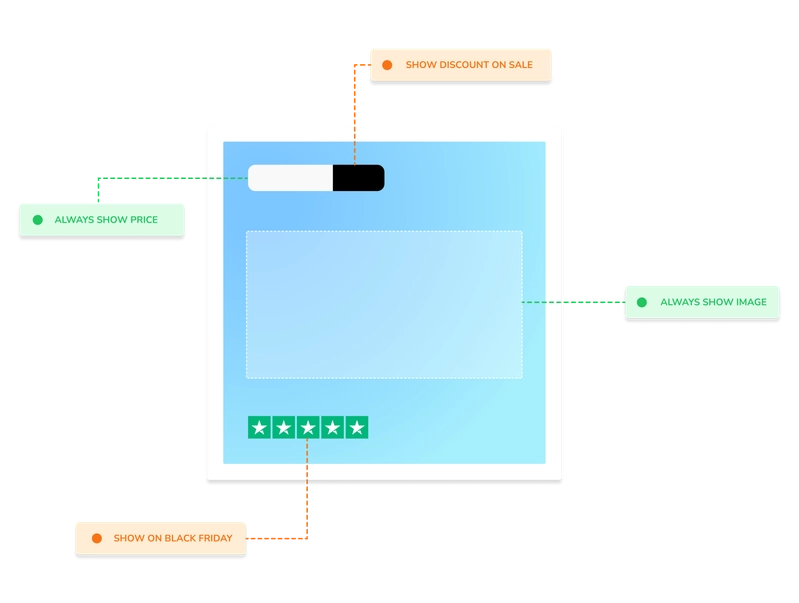
Conditionally show/hide elements
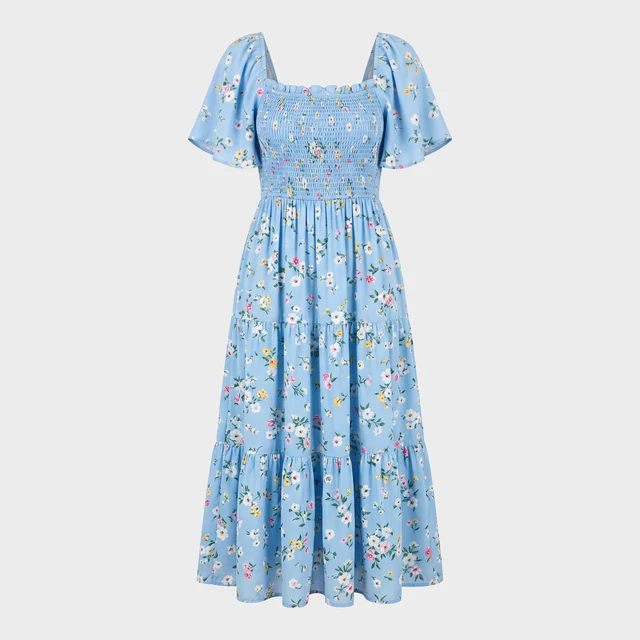











Your normal product images
Trusted by 1000+ stores & agencies























Image transformation examples














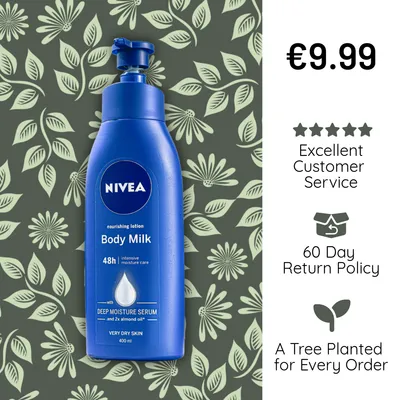









Dynamic attributes
Add product attributes to your templates like the product price, brand, discount, savings and title. You control the format of the dynamic attributes - number seperators, currency symbols and more.
Create templates using our build-in editor. It works just like any other image editor that you already know how to use. Just design your templates, and we'll always make sure your images are up-to-date when the product changes. Your designs go out with your feed to Meta catalog ads and every other channel you sell on.
Use your own custom fonts and reusable assets, and clean up product photos with automatic background removal.
Add title, brand, price, discount and savings
Control the number separator
Hide or show decimals
Control the rounding
Transform to uppercase or lowercase
Output fields
Feed readyLayer rules
Image transformations are dynamic which means that the product changes for each image.
Sometimes you want to show different elements based on the product. This can for instance being special graphics when a product is on sale or a free shipping sticker when the product price is above a certain amount.
Whatever you choose is up to you. We just give you the tools to do it. You can even schedule templates ahead of a sale, so your Black Friday design goes live on the right day.
See Feedr in action
We’ll show you how Feedr handles feeds and catalog ads, whether you run a store or manage clients as an agency.
- 30 minutes on Google Meet
- A live walkthrough, with time for your questions
- For online stores and agencies
Pick a time that suits you
Choose a day in our calendar to book your call.