Advertise your products in ChatGPT Ads
Feedr builds the product feed ChatGPT Ads uses, so your products can show up when people ask ChatGPT what to buy.
14-day trial · No credit card
Show your products when people ask what to buy
More people now describe what they need to ChatGPT instead of typing keywords into a search box. ChatGPT Ads shows sponsored products below the answer, and the OpenAI feed gives Ads Manager your catalog, with the prices, stock and attributes needed to match the right product to the question.
The audience is small today and growing quickly, and the intent is unusually high. Someone explains a need in a full sentence and asks for a specific recommendation, which rewards catalogs that are described properly.
You don't design the ads one by one. OpenAI builds them from your own titles and photos, so better product data makes better ads.
- Retailers who want a head start in AI search
- Catalogs with rich, accurate product attributes
- Considered purchases where people ask for advice






ChatGPT product feed requirements
These are the details OpenAI needs for each product.
| Field | What it needs |
|---|---|
item_idRequired | A unique code for each product or variant that never changes. |
titleRequired | The product name, including the size or color where relevant. |
descriptionRequired | A factual description of the product. |
urlRequired | The address of the product page, with the right size or color selected where possible. |
brandRequired | The brand name as it appears on your product page. |
seller_nameRequired | Your store name. |
image_urlRequired | The main product photo for this variant. |
availabilityRequired | Whether the product is in stock, out of stock, on preorder or on backorder. |
priceRequired | The price with its currency, like 79.99 USD. |
group_idConditional | Ties the sizes and colors of one product together. |
additional_image_urlsRecommended | Extra product photos. Your Feedr templates are applied to these too. |
sale_priceRecommended | The discounted price, when the product is on sale. |
These are the fields that matter most, not the full list. When you set up your feed, Feedr shows every field OpenAI supports. The complete list is in the OpenAI product feed specification.
Set up your ChatGPT product feed in 4 steps
Connect your store
Connect Shopify, WooCommerce, Magento, PrestaShop or another platform. It only takes a few minutes.
Create a ChatGPT feed
Pick OpenAI as the channel and add your store name.
Add it in Ads Manager
Copy the feed link from Feedr and add it to your feeds in ChatGPT Ads Manager.
See that it works
Feedr shows you as soon as OpenAI has picked up your feed.
Full walkthrough in the help center: How to create an OpenAI Feed
Build your ChatGPT product feed from your store
Feedr connects to your store or product file and keeps your ChatGPT product feed in sync.
Trusted by 1000+ stores & agencies























Design Improved Catalog Ads
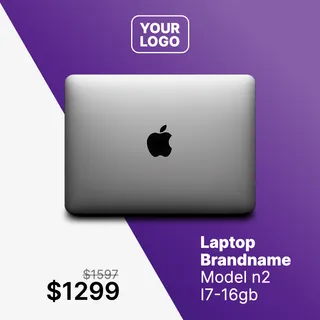
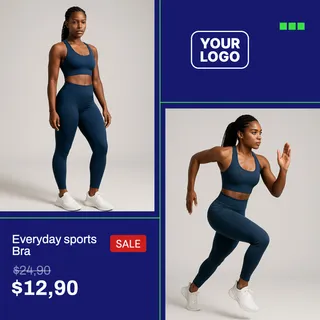
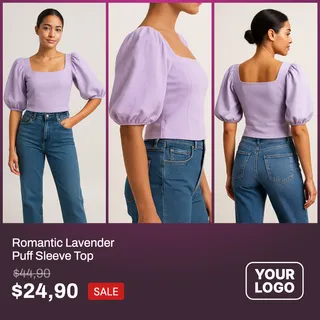
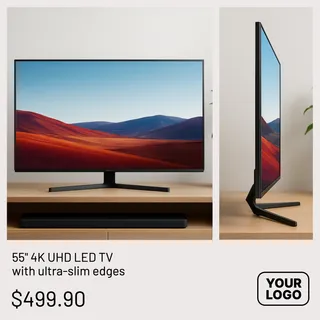
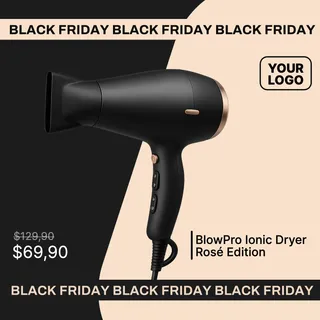
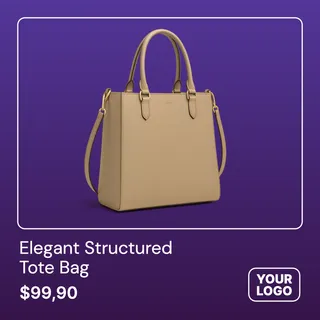
Stop running the same auto-cropped product photos as everyone else. Design catalog ads that actually look like your brand.
Build a template once and Feedr applies it to every product in your feed, rendered in all three creative formats: 1:1 for the feed, 4:5 for portrait placements, and 9:16 for Stories and Reels.
Fully functional template editor
Free Background Removal
Conditionally show/hide elements
Customize Product Feeds
Manage and customize all your product feeds from one platform. Gain complete control and flexibility over all data in your product feeds.
Complete control over product feeds
Mutate & transform product data
Easy data enrichment
Simple and quick quality control
Output fields
Feed ready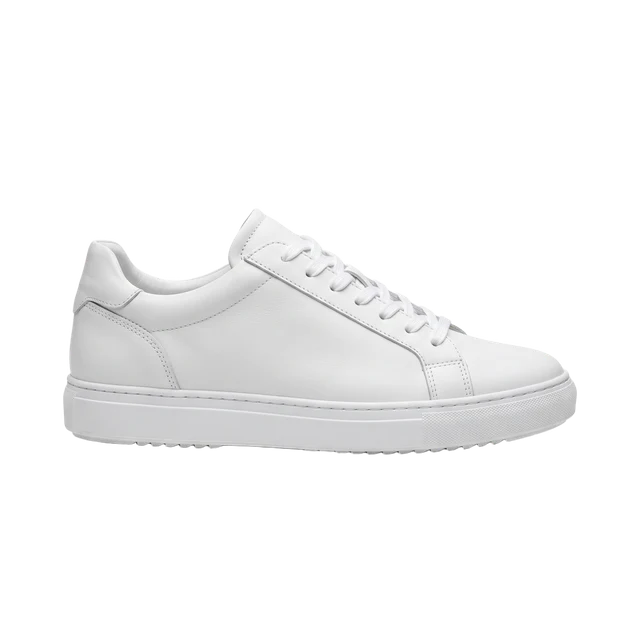
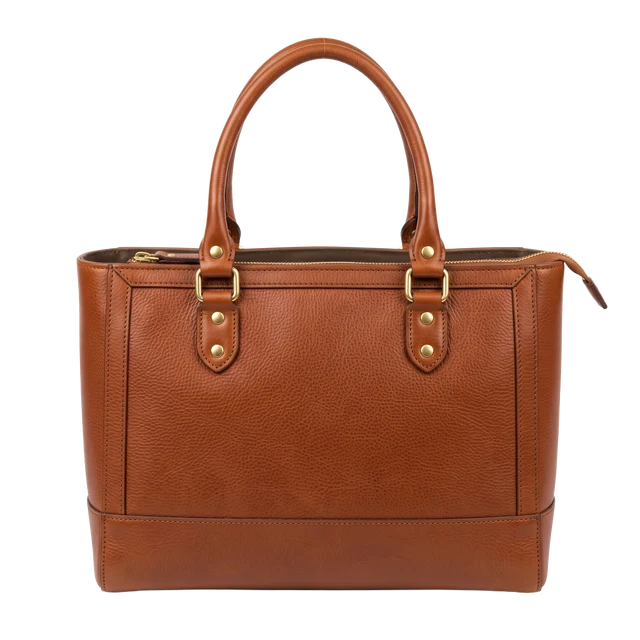
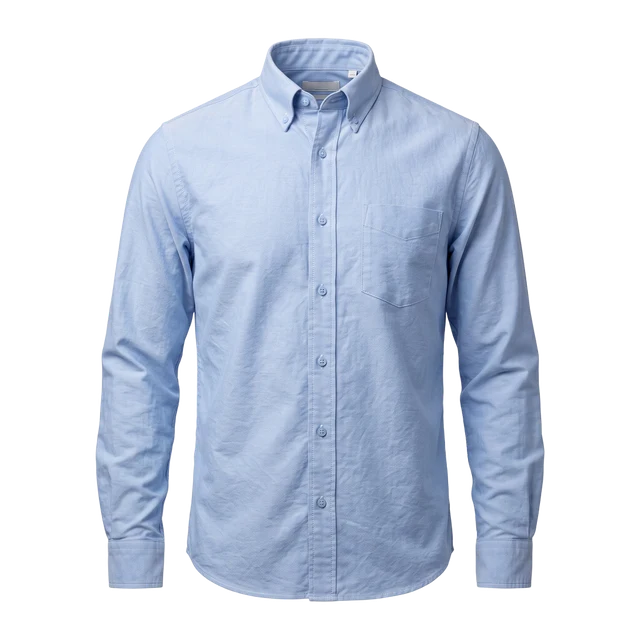
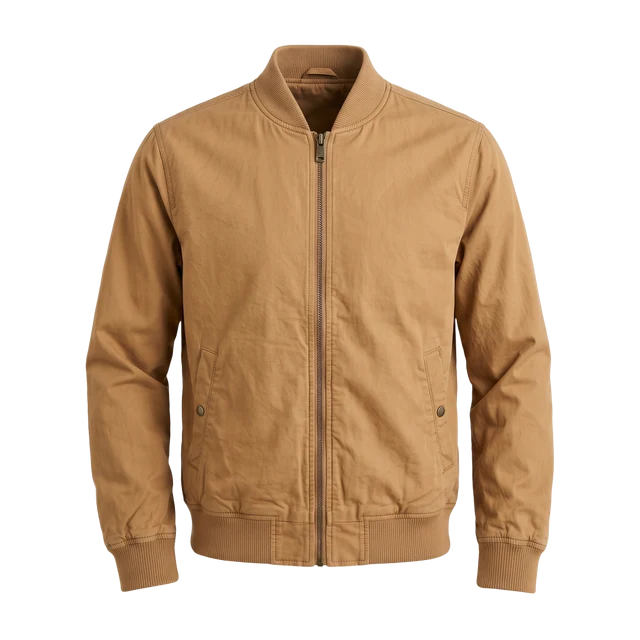
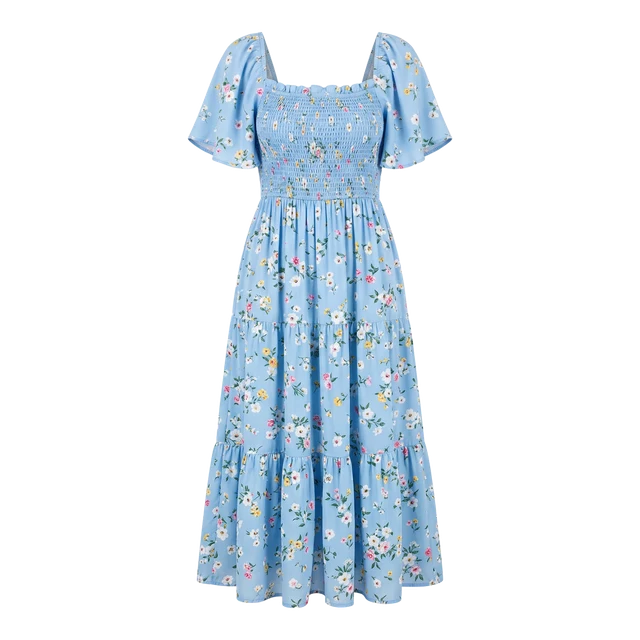
Product Filtering
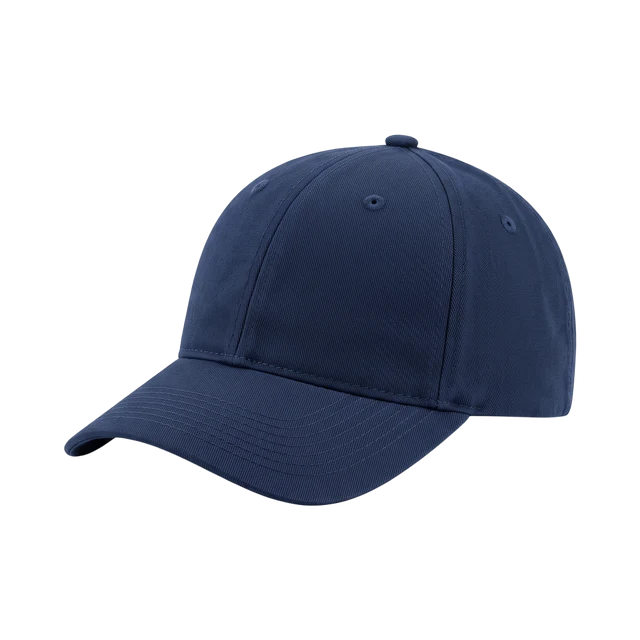
Control how products are distributed across all sales channels using fine-grained filter rules.
Filters are applied on a feed basis and grant you 360° of freedom.
Unlimited filter rules
Exclusion & Inclusion based filtering
Easy overview
See Feedr in action
We’ll show you how Feedr handles feeds and catalog ads, whether you run a store or manage clients as an agency.
- 30 minutes on Google Meet
- A live walkthrough, with time for your questions
- For online stores and agencies
Pick a time that suits you
Choose a day in our calendar to book your call.